
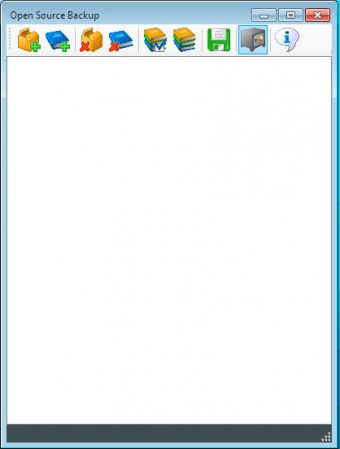
Open Source Backup is a back-up utility for Windows. The application's name has absolutely nothing to do with being an open source project, since the source code isn't available on the website at all. When I first opened this, I was rather surprised at how simple and straightforward it looked. To start a backup job, all you have to do is create a new project and then add folders or files to it. You can then click on the plus (+) sign next to the project to see the files you have added so far. When you are ready with that, you can simply select a single project and back it up or back every project up at once. That is how things should work, but after trying four times to create a project and back it up, I gave up. The application just sits there, not showing me any progress windows or alerts. Then, taking it that it successfully backed my stuff up, I go to "open backups" and see a few zip files but nothing within them. I am no expert, but I know my way around programs. This particular one is broken. The website has no support for it whatsoever. Also, this has no scheduling options, which are rather standard to this kind of applications these days. I would suggest you stay away from this one.




Comments